Buying guide
How to choose billing and ERP software for a small Indian business
A vendor-neutral method for shop owners, distributors and pharmacies to compare billing and ERP software before signing anything.
Most small businesses change billing software for one of three reasons: the old system cannot do something GST now needs, the business has grown past one computer and one operator, or the person who understood the old system has left. The decision is then made in a hurry, after two or three demos where each salesman shows the screens that look best, and nobody asks what happens to five years of data or what the bill will be in year three.
Software is cheap compared with the cost of choosing wrongly. A bad fit means staff typing the same entry twice, GST returns that need correcting in Excel, and a second migration within two years. The method below is how an accountant would advise a client: decide what you need first, test against your own data, compare on three-year cost and score the options on paper.
What should you write down before the first demo?
Write a one-page requirement note before calling any vendor. It should list your business type, bills per day, number of people who will use the software at the same time, branches and godowns, GST obligations, special stock needs such as batch, expiry, size or serial number, and the reports you actually open every week.
Be specific. "We need inventory" tells a vendor nothing. "A pharma distributor, 120 bills a day, four users, one godown, batch and expiry on every item, schemes with free quantity, retailers on 21 days credit" tells them exactly what to show. It also lets you stop a demo politely when the product is clearly built for someone else.
Collect three real documents to carry to every demo: a typical sale bill with several lines, a supplier's purchase bill, and last month's GSTR-1 summary. Ask each vendor to enter those exact documents on screen. You will learn more in that ten minutes than in an hour of slides.
Which features are must-haves for GST and daily work?
The must-haves depend on your turnover and trade. At the least, the software should produce GST-compliant invoices, credit and debit notes, a GSTR-1 file you can upload, and a GSTR-3B summary. E-invoicing, e-way bills, batch and expiry, multi-user access and reliable backups become essential depending on your size and business.
The GST side
- E-invoice: required if your aggregate turnover exceeded ₹5 crore in any financial year from 2017-18 onwards, under Notification 10/2023–Central Tax. The software should generate the IRN and QR code from the bill itself, without retyping on a portal.
- The 30-day reporting limit: from 1 April 2025, taxpayers with aggregate annual turnover of ₹10 crore and above cannot report an invoice to the IRP more than 30 days after its date, as per a GSTN advisory of November 2024. Check the current position on gst.gov.in, because these limits have been lowered before.
- E-way bill: needed when you move goods with consignment value above ₹50,000, subject to state rules for movement within a state. The software should create it from the bill or at least export the data.
- GSTR-1 export: a JSON file that uploads to the GST portal, with HSN summary and document summary, not just an Excel that someone retypes.
- Purchase side: some way to compare your purchase register with GSTR-2B, so missing supplier invoices are caught before you file. Our explainer on GSTR-1 and GSTR-3B covers why this matters.
The business side
- Batch and expiry stock if you deal in medicines, food or cosmetics; size and colour if you sell garments; serial or IMEI if you sell electronics.
- Multi-user access with roles, so the billing operator cannot edit a posted bill or see purchase rates if you do not want that.
- Bill-wise outstanding with ageing and credit limits, if you sell on credit.
- Reorder levels and a below-reorder list, if you carry more than a few hundred items.
- Automatic backups, including one copy outside the shop, and a tested way to restore them.
Should you choose offline desktop or cloud software?
Choose offline desktop software if your internet is unreliable or billing must never stop, and you can keep the computer and its backups safe. Choose cloud software if you need access from several branches or from home and have a dependable connection. Some products offer both, so ask how each version handles backups and outages.
Offline software keeps working when the broadband fails during a Saturday evening rush, and the data stays in your shop. The flip side is that you are responsible for the computer, the UPS, antivirus and backups. A hard disk failure with no outside backup can wipe out years of records.
Cloud software can be opened from any branch or phone, and the vendor handles servers and backups. It needs a reliable connection at every counter, and you should ask where the data is stored, how often it is backed up, and whether you can download all of it yourself at any time.
Whichever you pick, ask the vendor to show you a restore, not just a backup. A backup that nobody has ever restored is only a hope.
What questions should you ask every vendor?
Ask the same fixed list of questions to every vendor, in writing where possible, so the answers can be compared. The most revealing ones cover total price over three years, what happens to your data if you leave, who does the migration, how support works on a GST deadline day, and how statutory changes reach you.
- What exactly is included in the first-year price, and what will years two and three cost?
- What does each extra user, branch or company (GSTIN) cost?
- Are GST changes, such as new return formats or rules, included in the renewal, or charged separately?
- Is e-invoice and e-way bill generation included, and is there any per-invoice or API charge?
- Who imports my parties, items, opening stock and outstanding, and is that charged?
- Can I export all my data, including transactions, to Excel or another standard format at any time, without asking you?
- What are your support hours, and how quickly do you respond on the 11th and 20th of the month?
- Can I speak to two current customers in my trade and in my city or state?
- What happens to my data if I stop renewing: read-only access, export, or nothing?
- Where is the data stored, and how is it backed up?
How do you work out the total cost over three years?
Add every cost you will pay over three years: licence or subscription, renewals or AMC, extra users, setup and data migration, training, any per-invoice or API charges, and the hardware, internet and backup you will need. Compare products on this total, because a low first-year price often hides higher renewal or add-on costs.
Here is an illustration for a four-user distributor. The figures are made up to show the method; use the written quotes you collect.
| Cost line | Year 1 | Year 2 | Year 3 |
|---|---|---|---|
| Licence or subscription | ₹24,000 | ₹12,000 | ₹12,000 |
| Extra users (three) | ₹9,000 | ₹9,000 | ₹9,000 |
| Setup, migration and training | ₹10,000 | ₹0 | ₹0 |
| E-invoice or API charges | ₹0 | ₹0 | ₹0 |
| Hardware, UPS and backup drive | ₹15,000 | ₹2,000 | ₹2,000 |
| Total | ₹58,000 | ₹23,000 | ₹23,000 |
The three-year total in this example is ₹1,04,000, nearly twice the first-year figure. Do the same table for every shortlisted product. Some vendors publish their yearly prices openly, as Tatva ERP (made by Kentron Technologies, the publisher of this site) does on its website; others quote after a demo. Either is fine, provided you get the full three-year figure in writing before you decide.
Do not forget the cost you cannot see on a quote: staff time. Software that saves each operator twenty minutes a day is worth far more than a few thousand rupees of difference in price.
How do you move your data from Tally, Busy, Marg or Excel?
Move masters and balances, not your whole history. Import parties with GSTIN and address, items with HSN, GST rate, units and current stock (with batch and expiry where relevant), ledger opening balances, and bill-wise outstanding. Keep the old software and its data available for reference, and switch over at the start of a month or a financial year.
Most accounting and billing products, including the common desktop packages, can export masters and reports to Excel or XML. Ask the new vendor which export they need and whether they do the import or hand you a template. Then check the result yourself before going live:
- Party count and total debtors and creditors match the old system on the cutover date.
- Item count, stock quantity and stock value match, item by item for your top items.
- GSTINs, HSN codes and GST rates came across correctly; one wrong rate repeats on every bill.
- Bill-wise outstanding for your ten largest parties matches their last statement.
- The trial balance on the cutover date agrees with the old books.
Do not delete the old data. Section 36 of the CGST Act requires accounts and records to be kept for 72 months from the due date of the annual return for the year they relate to, and your auditor may ask for old vouchers. Keep at least one working copy of the old software, or full exports, for that period.
What red flags should make you walk away?
Walk away if the vendor will not let you test with your own data, will not say what renewals cost, cannot show a GSTR-1 file actually being produced, or makes it hard to export your data. Pressure to sign on the day of the demo, and references you are never allowed to call, are warning signs too.
- A demo that only uses the vendor's sample company and never your own bills.
- "Everything is possible" answers with no screen to show for it, or promised features "coming next month".
- Support only through the salesman's personal number.
- No clear answer on who owns the data and how you get it out.
- Large discounts that expire tonight.
How do you compare shortlisted software fairly?
Fix your criteria and their weights before the demos, then score each product from 1 to 5 on each criterion right after its demo and trial. Multiply each score by its weight and add up. The total will not make the decision for you, but it stops the most persuasive presentation from winning by default.
| Criterion | Weight | Product 1 (1–5) | Product 2 (1–5) | Product 3 (1–5) |
|---|---|---|---|---|
| Fits our trade (batch, credit, schemes and so on) | 25 | |||
| GST compliance (e-invoice, e-way bill, GSTR-1 file) | 20 | |||
| Billing speed and ease for our staff | 15 | |||
| Three-year total cost | 15 | |||
| Support and local references | 10 | |||
| Backups and data export | 10 | |||
| Migration help | 5 |
Change the weights to suit you. A single-counter kirana shop may put billing speed at 30; a distributor with ₹50 lakh in the market may give credit control far more weight. If two products score within a few points of each other, let the staff who will use it every day break the tie after the trial. Once you have decided, start with stock and credit set up properly; our guides to reorder levels and to credit control cover the first settings to get right.
Questions readers ask
Is free billing software good enough for a small shop?
It can be for a single counter with simple stock, as long as it produces GST-compliant invoices and a GSTR-1 file and lets you export your data. Check how backups work and what happens to your data if the free plan changes. Paid software earns its price when you need multiple users, credit control or batch tracking.
Do I need e-invoicing if my turnover is below ₹5 crore?
Not if your aggregate turnover has not exceeded ₹5 crore in any financial year from 2017-18 onwards, unless the threshold is lowered again. Once you cross it in any year, e-invoicing applies from then on, so choose software that supports it if you are close.
How long does it take to switch billing software?
For a small business with clean masters, a migration can be done in days, but plan for two to four weeks including checking balances and training staff. Switch at the start of a month, and keep the old system available for reference.
Can I run old and new software side by side for a month?
Some businesses do, but it doubles the entry work and staff tend to give up on one of them. A better approach is to test the new system thoroughly with sample bills before cutover, then switch fully on a fixed date.
Should the software be the same as my CA uses?
It helps if your CA can read your data, but it is not essential. What matters is that the new software exports ledgers, the trial balance and GST data in a form your CA can work with. Ask your CA what format they need before you decide.
Sources
- 1.Notification 10/2023–Central Tax: e-invoicing for aggregate turnover above ₹5 crore from 1 August 2023 (GST Council)
- 2.E-way bill rules, Chapter XVI of the CGST Rules (CBIC)
- 3.GSTN advisory: 30-day time limit for reporting e-invoices for AATO of ₹10 crore and above (Taxmann summary)
- 4.E-invoice system (GSTN)
Sanjeevani Prime is published by Kentron Technologies, which also makes Healthixio and Tatva ERP. Where an article mentions those products, we say so. This article is general information, not medical, legal or tax advice; rules change, so check the sources above before acting. Read our editorial policy.
Keep reading
GST
GSTR-1 vs GSTR-3B: what each return does and why they must match
GSTR-1 reports what you sold, GSTR-3B pays the tax on it, and since 2025 the portal has made it much harder for the two to disagree.
22 November 2026 · 9 min read
Inventory
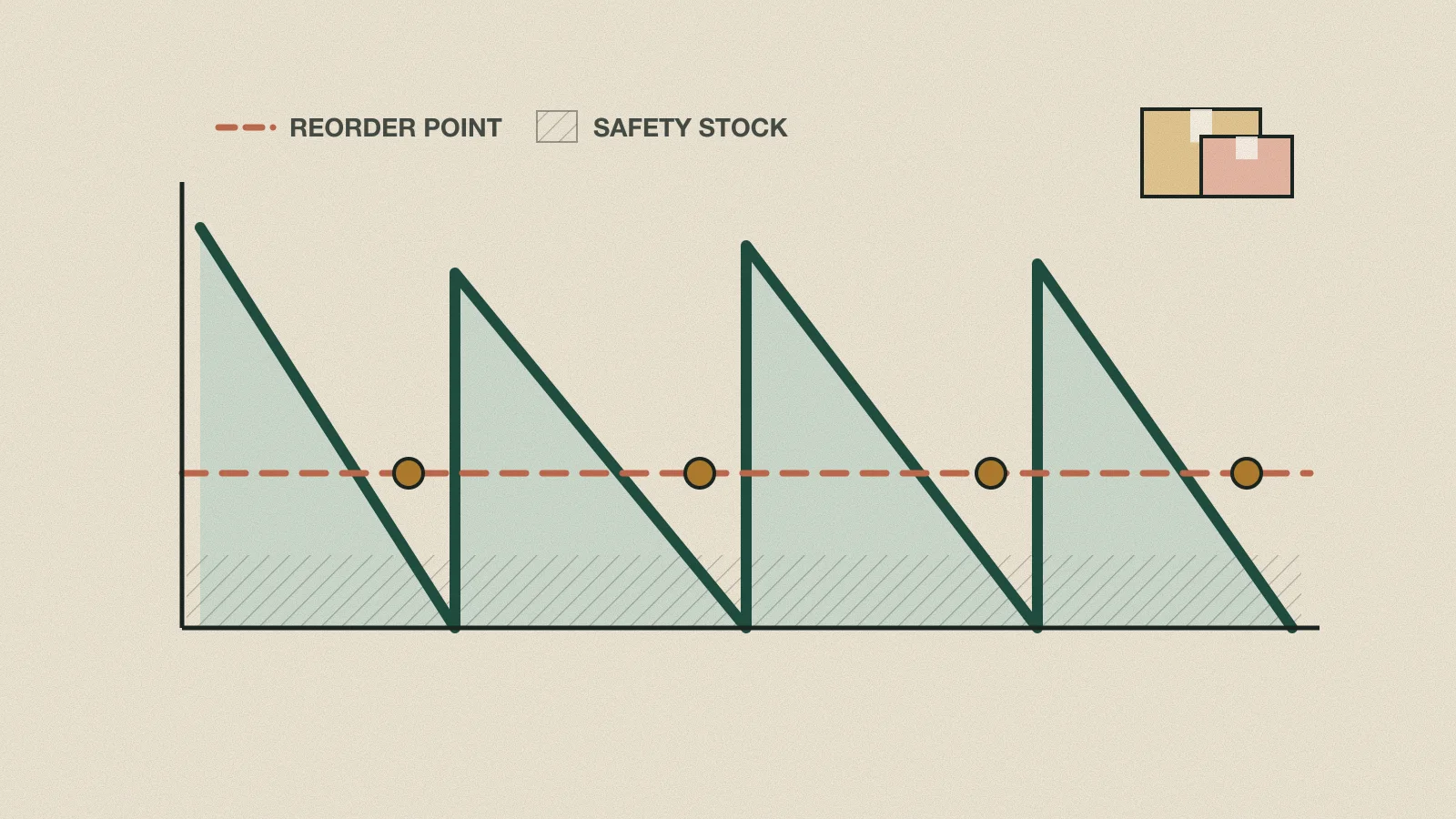
Reorder levels, safety stock and min-max stock: a working method for Indian traders
How to decide, item by item, when to order and how much to hold, using numbers you already have in your sales and purchase registers.
22 November 2026 · 9 min read
Cash flow
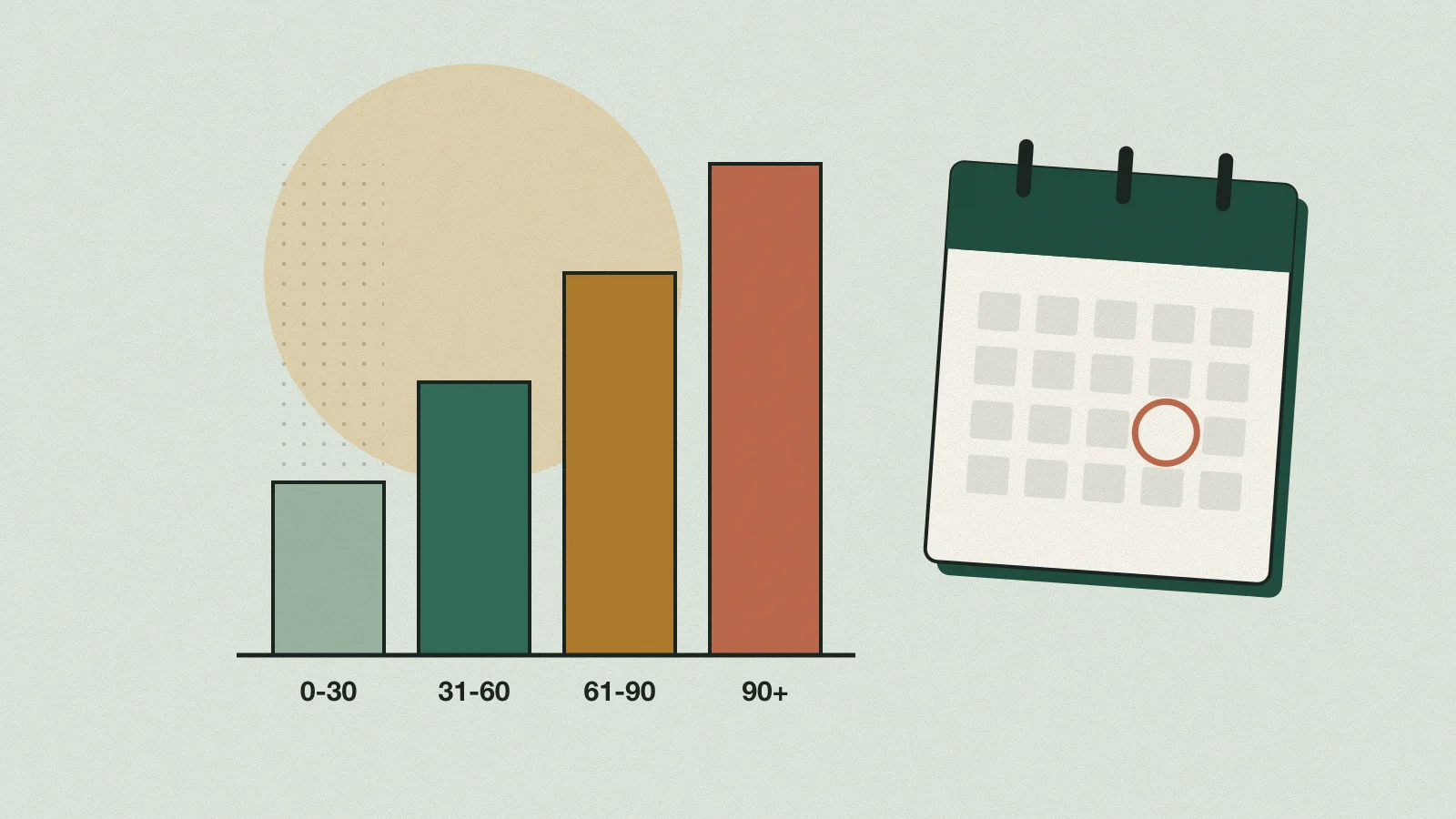
Credit control for distributors: limits, ageing, collections and cheque bounces
A distributor's profit is made on the invoice and lost in the outstanding. Here is a routine to keep the money coming in, with the legal basics you should know.
22 November 2026 · 9 min read